Your entire engineering team. As AI agents.
Analyst, product manager, designer, architect, developer, reviewer and security reviewer. Tell them what you need. They plan it, build it, test it and check it for security problems. You approve the plan.
What today's AI tools leave to you
Coding assistants
- Good at
- Write code fast, for engineers.
- Leaves to you
- The plan, the review, the tests and the approvals.
App builders
- Good at
- A working app from an idea, in minutes.
- Leaves to you
- Security, permissions and what real users need.
Security scanners
- Good at
- Find problems in code that's already written.
- Leaves to you
- Planning the work, and fixing what they find.
VibeManager
Plans the work, builds it, reviews and tests every change, and checks it for security problems, with you approving the plan.
How VibeManager builds software
How it works, stage by stageBefore any code
Work out what to build, and agree on it.
- Your request
- Brief
- RequirementsYou approve
- Design
- ArchitectureYou approve
- PlanYou approve
Building
One small piece at a time, each one reviewed and tested.
- Build
- Review
- Test
After the build
Check the whole thing, then hand it over.
- Final check
- Security audit
- Yours to run
Two ways to start
You pick one on a project's first message.
See a working version of your idea in minutes. Describe it, watch the app appear in a live preview, and ask for changes as you go.
More about Quick modePlanned, reviewed and tested, the way an engineering team works. VibeManager writes the requirements, the design and the plan first, then builds the project one small piece at a time and tests each piece.
More about Enterprise modeA prototype covers the screens. Real software needs much more.
It also needs sign-in, permissions, hosting, backups, monitoring and security, and VibeManager plans for them before it builds.
How ready is your app? Take the check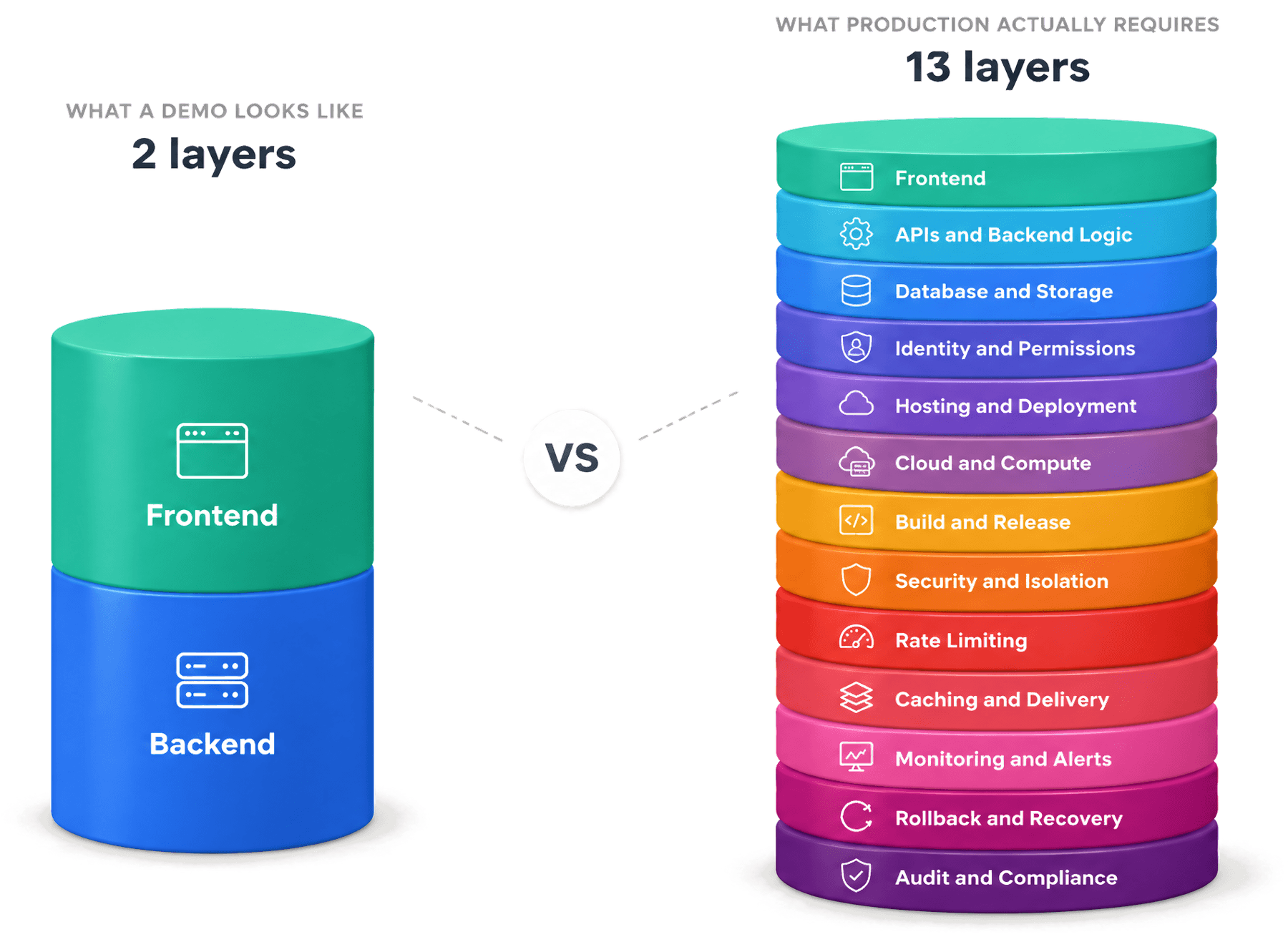
For companies
Contact usWhere your code lives
VibeManager works in a folder you choose, on your own machine. To do the work, the AI needs to read your messages and the parts of the code it's working on. Those pass through our servers to the AI model, and we delete our records of them after 30 days.
What we send and keepA security audit
Point VibeManager at any folder and it looks for security problems. On a Mac it can run the code in an offline sandbox to confirm each problem, and every finding comes with a suggested fix.
See a sample reportCertifications
VibeManager isn't certified yet. SOC 2 and ISO 27001 are planned, and we answer security questions directly in the meantime.
How Enterprise mode worksQuestions
Do I need to know how to code?
No. You describe what you want in plain words, and VibeManager writes its plans in plain words too. In Quick mode you watch the app take shape in a live preview. If you do code, everything is in a folder you can open in your own editor.
What's the difference between Quick mode and Enterprise mode?
Quick mode gets you a working version of your idea in minutes: VibeManager builds a running web app from your message and changes it as you chat. Enterprise mode works the way an engineering team does: VibeManager writes the requirements, the architecture and the plan, you approve them, and then it builds the project one small piece at a time, reviewing and testing each piece. You choose on a project's first message, and a project keeps its mode.
How do I get access?
Download the app and sign in with Google, GitHub or a code sent to your email. Access is invite-only for now: if you don't have an invite yet, you'll join the waitlist, and we'll email you when you're in. You can also join the waitlist before you download.
How much does it cost?
There are no paid plans yet.
Where does my code live?
In a folder you choose, on your own computer. Unfinished work is built in its own copy inside that folder, and it's added to your code only after it's reviewed and tested.
Describe your first project
Download VibeManager for Mac or Windows and say what you need in your own words. Access is invite-only for now.